



While home working can offer convenience and flexibility, it is worth noting that home offices aren’t subject to the same stringent regulations as commercial workspaces. Even if you feel that your home office is perfectly safe, it’s always a good idea to go the extra mile to protect yourself, your home, and your work.
There will always be something you can do to improve your workspace, from adding a new chair and adjusting the lighting to checking the safety of your equipment. In fact, I’ve recently given my own home office makeover after working from home for nearly 7 years!
With the following tips, you’ll be one step closer to crafting a comfortable and safe home office. In addition to taking these steps, it is crucial to take regular breaks, maintain your physical health and balance your work and personal life. So let’s make this the year that you finally get your home office organised and your remote working routine sorted..!
Set up safe and suitable electrical outlets
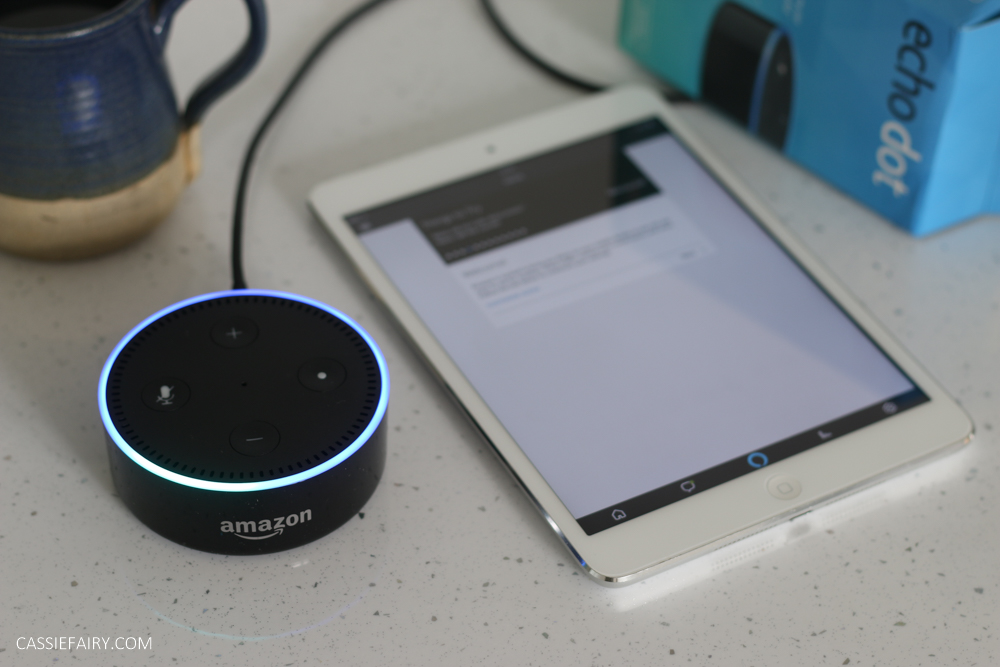
Dodgy electrics are one of the biggest causes of accidents and issues in both home and commercial offices. Bad outlet choices are a common problem – especially in modern home offices, which require more and more electrical outlets to keep all our hubs plugged in and our devices charged and ready.
If you previously set up your makeshift desk with an extension cord supplying the power for all your devices, it’s best to get your sockets sorted. Overloading outlets with too many plugs poses a significant fire hazard and can also damage your devices beyond repair.
Let’s be honest – if you’re in an older home, it’s likely you’ll need more electrical outlets. And if you’re working in a space without power (such as on a landing, under the stairs, in an alcove), it’s time to call in a professional electrician to install some more outlets for you.
Ideally, find an electrician locally who’s familiar with the architecture and wiring of your kind of home, whether it’s a terraced or period property. They’ll be able to quickly assess your situation and add extra outlets swiftly, safely, and effectively.
Plus, overheating equipment, faulty wiring, or overheated plugs can cause a fire hazard. Make sure that all electrical equipment is in perfect working condition and regularly inspect for loose or frayed wiring.
Positioning your workspace
The location of your workspace in your home can affect your comfort and health. You may not have had time to set up a dedicated office space when you first started working from home during the pandemic, so you may still be working on your kitchen table or even using a laptop tray.
Ideally, your workspace should be in a quiet, well-lit area, away from distractions. Some people use a shed as a home office – if this is the case for you, make sure that your shed/office is warm and well-insulated enough to remain both comfortable and safe in cold and wet weather.
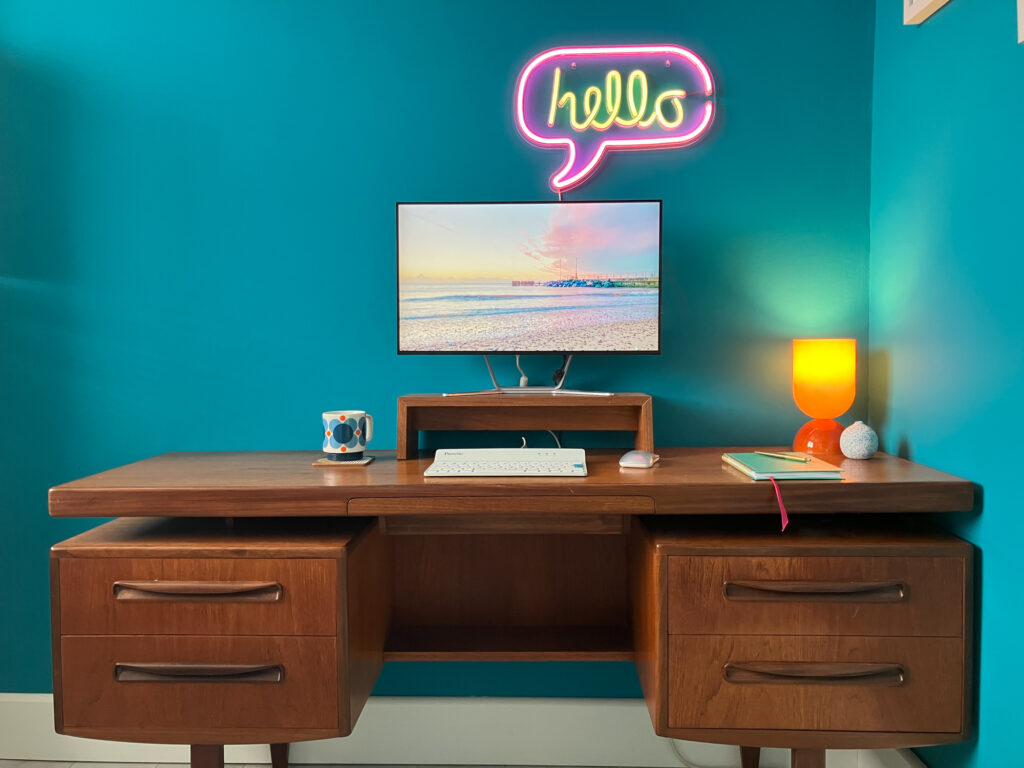
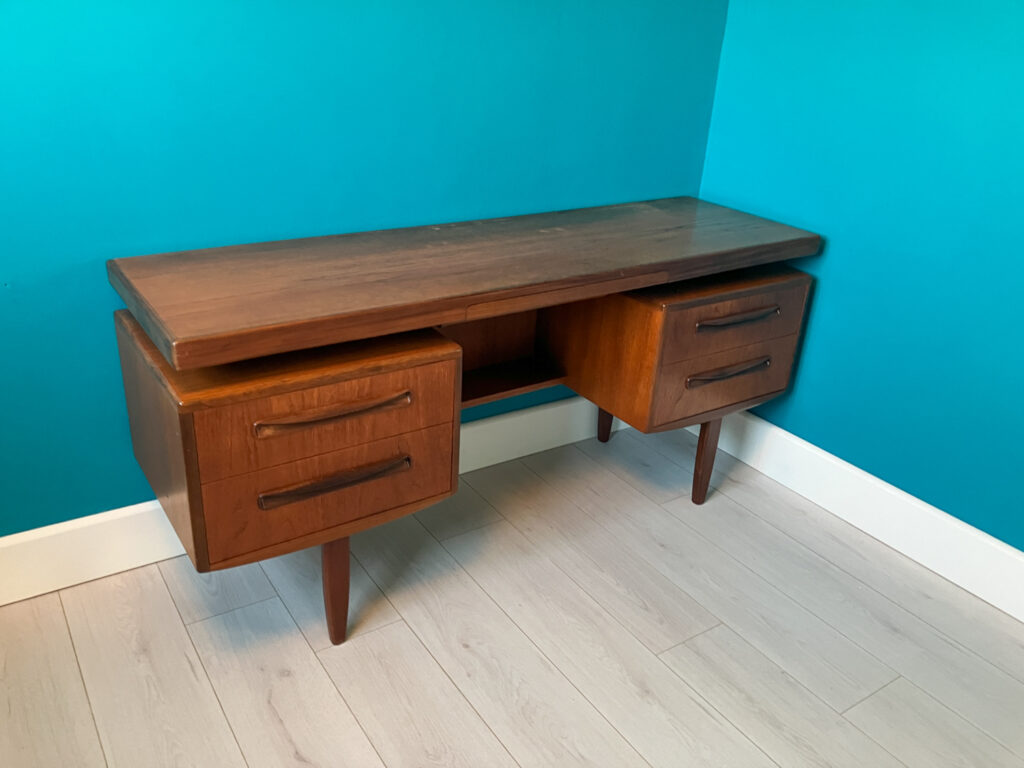
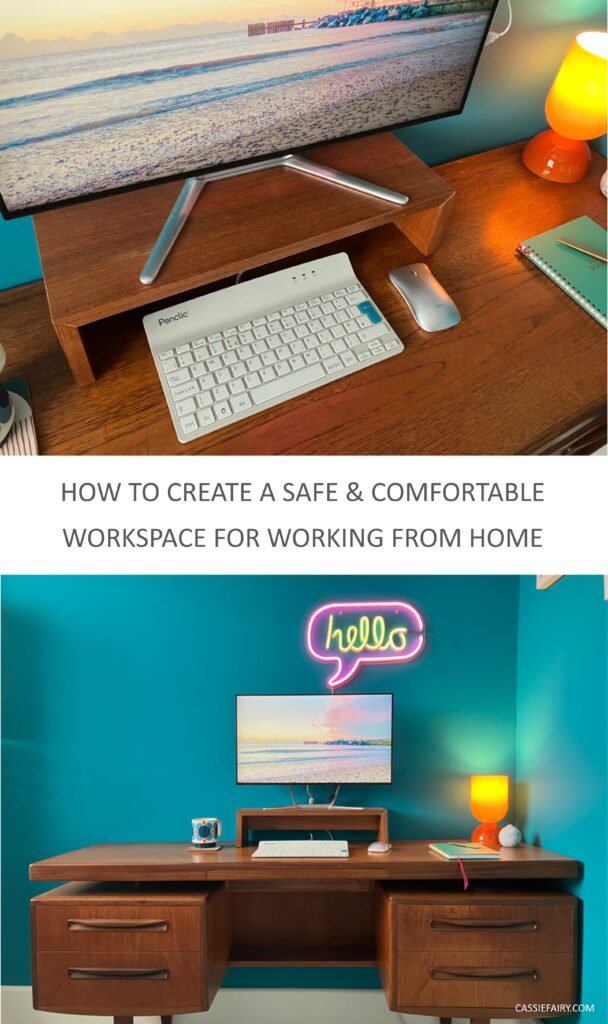
Maybe you have a box room indoors or a conservatory area that you could repurpose as your home office. I recently redecorated the box room in teal blue to create a calming space for my retro desk, which has been upcycled from a mid-century G-Plan dressing table.
Wherever it is, it’s essential to keep the space free from clutter. Regularly tidy up your workspace, manage cables properly, and avoid leaving loose items in the area that could cause trips or falls.
Computer ergonomics and posture safety
When working from home, it’s easy to overlook the ergonomics of your workspace. Working from your sofa may feel comfortable in the short term, but eventually you’ll experience discomfort and back pain. Even something as simple as the wrong kind of chair or a screen positioned at the wrong height for you can cause long-term health issues.
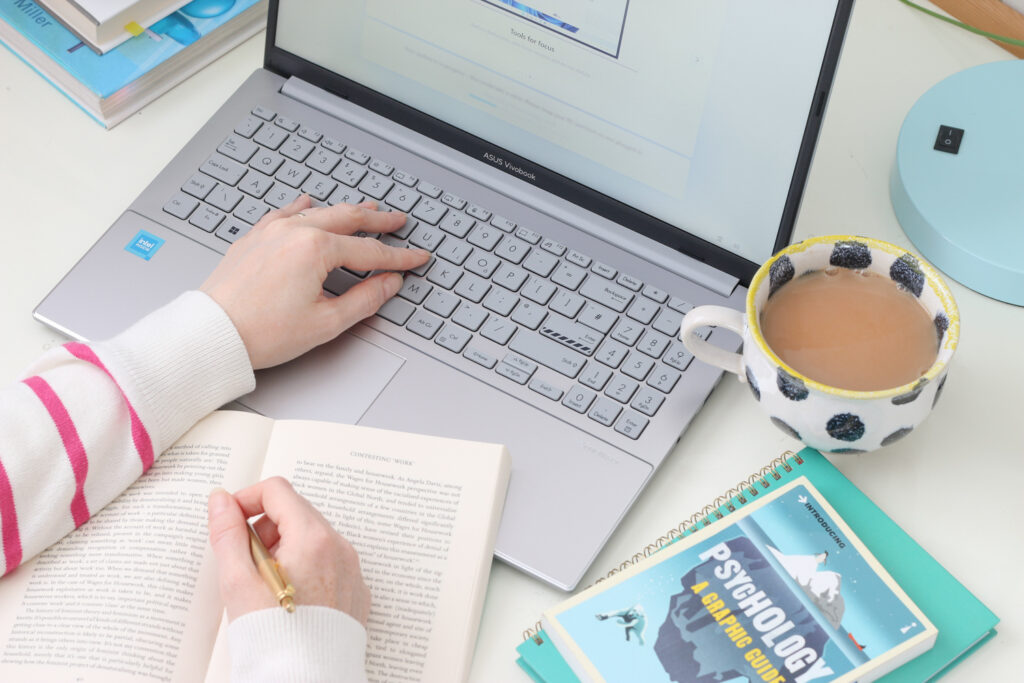
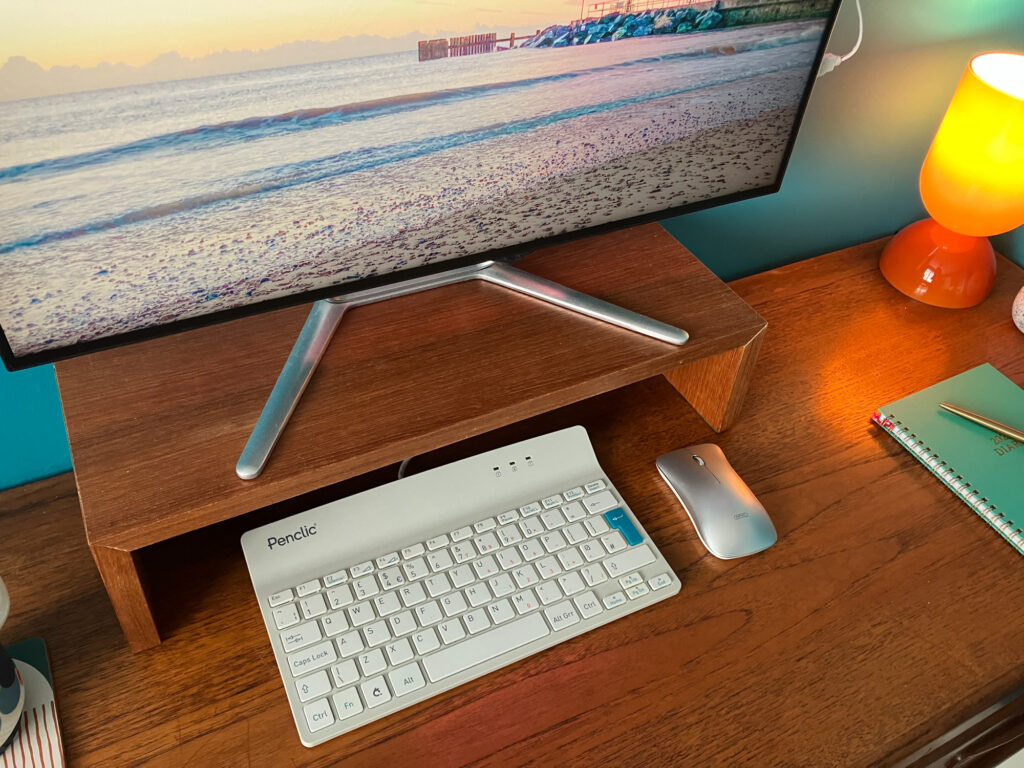
Using a chair with good back support, setting your computer monitor at eye level, and positioning your keyboard in such a way that your wrists are in a neutral posture can significantly decrease the chances of developing a musculoskeletal problem. Investing in a stand or a riser for your laptop or monitor might also be a good idea.
Maintain good air quality and adequate lighting
Good air quality goes a long way towards promoting health and productivity. Make sure that your workspace is well ventilated, perhaps by investing in an air purifier or plants to filter the air naturally.
Also, remember that poor lighting can cause eye strain and headaches. Try taking advantage of natural light as much as possible, and use task lighting for specific workspaces to reduce the chance of eye strain.
Control hazardous substances
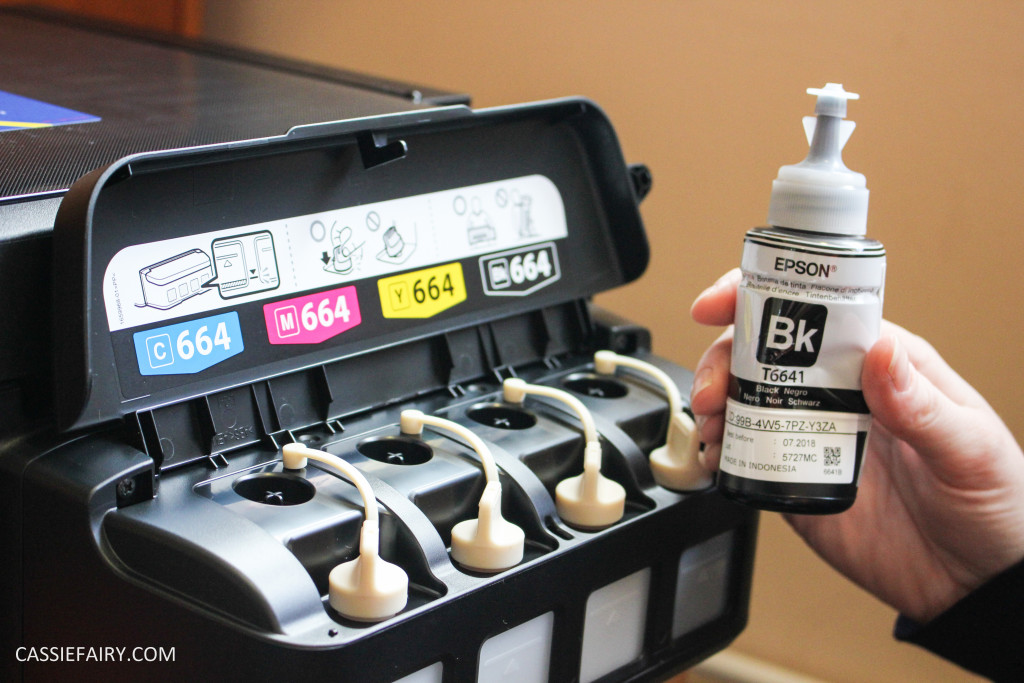
Identifying and managing hazardous substances in your home office is another essential part of ensuring safety. Ink cartridges, toners, printing chemicals, non-rechargeable batteries and other materials may contain dangerous substances. These should be stored properly when not in use and disposed of properly when you’re finished with them.
Creating a safer workspace at home involves identifying potential hazards and taking preventive action to mitigate these risks. Your working environment strongly influences your productivity and well-being, so it’s worth putting some effort into creating a comfortable space for you to work in. Let me know your working-from-home hacks in the comments below – I’d love to hear where you’ve squeezed in an office space and how you organise your remote-working routine!
Pin it for later
This blog post is a collaboration. The pink links in this post may indicate a collaborative link or information source.